Although the web is now bombarded us with DVD player software programs that offer a wide array of features and service, but today I only collect the top 5 free DVD media player software for Windows for your reference, if you are now in urgent need of such a tool.

Top 1: Free DVD Player
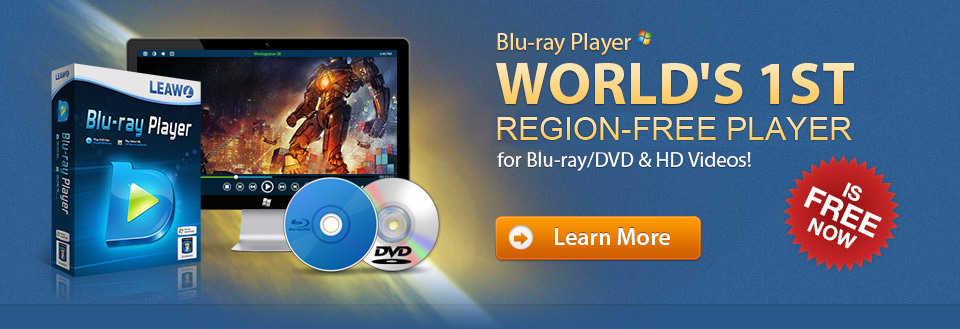
Free DVD Player coming from Leawo is a totally free DVD player to offer lifelong free service for playing DVD discs and IFO files. This region free DVD player could play back all DVD discs from different regions and countries with quality loss. Preferred subtitles and audio tracks option is available, and superb audio quality is offered to give you cinema sound quality at home thanks to its full support of DTS5.1. Other features like full-screen playback, video/audio setting, clock display are also provided.
Pros: Forever free to play back DVD; Fully support Windows 8; DTS5.1 guarantees super high quality of stereo output; User-friendly media playback control; Support playback Blu-ray and video in various formats free.
Cons: No screen-capture functionality

Top 2: UM Player
UMPlayer has a lot of competitive and promising features. For a free multimedia player, it has a lot of advanced options and yet it is so easy to operate and use. It can also play any media format for both video and audio files. Unique features are included like subtitles search, ability to play and record YouTube, skinable interface, audio/subtitles sync, customizable hotkeys and a lot more.
Pros: Easy to use and has a lot of great features like shoutcast and YouTube integration; Customizable options for file playback; Play all formats; Automatic subtitle download from opensubtitles.org
Cons: Minimal support and documentation

Top 3: VLC Media Player
VLC Media Player is one of the world's favorite open-source video playback software. It has a lot of great features like granular speed controls, frame-by-frame advancement, living recording of streaming videos among other things. It also has customizable toolbars, and supports a wide range of video and audio formats.
Pros: No external codec installation required; Excellent playback quality and stability; Play internet radio and TV; Capture video on webcam; Admirable volume control
Cons: Default interface is not cool and savvy; skin options need improvement; No playback for Blu-ray

Top 4: Real Player
RealPlayer is a full-featured and user friendly video and audio player that delivers great multimedia playback experience. In addition to performing a variety of music and video files without any incompatibility problem, this amazing program also has several extra options that make the user experience much more complete. It has a video-trimming tool that will give you flexibility in video options, as well as allows for sharing with social media sites like Facebook and YouTube.
Pros: A great and functional media player offers solid performance; User-friendly interface; Connect with Facebook and YouTube; Trim video and audio
Cons: Tendency to hang and slow to load video; Lack of video options

Top 5: BS DVD Player
BS DVD player has now returned with a free version, a new interface and great features such as watching YouTube videos, capture frames and even generate thumbnails from certain sequences. It recognizes a wide range of formats, and allows for a wide array of options for video, DVD, audio, radio and TV playback. Actually all types of media files supported.
Pros: Support all video formats including YouTube videos; Easy to use interface; Lightweight and fast; Contain all necessary features for watching HD movies.
Cons: Need to install codec; Install its toolbar into your web browser
Okay, above are the top 5 best free DVD playback software I collected! There should be more amazing Windows DVD player software out there, if you guys have some other recommendations, please feel free to leave a message for me to enlarge my collections!

